DJ Cat AI: put your cat or dog behind the decks
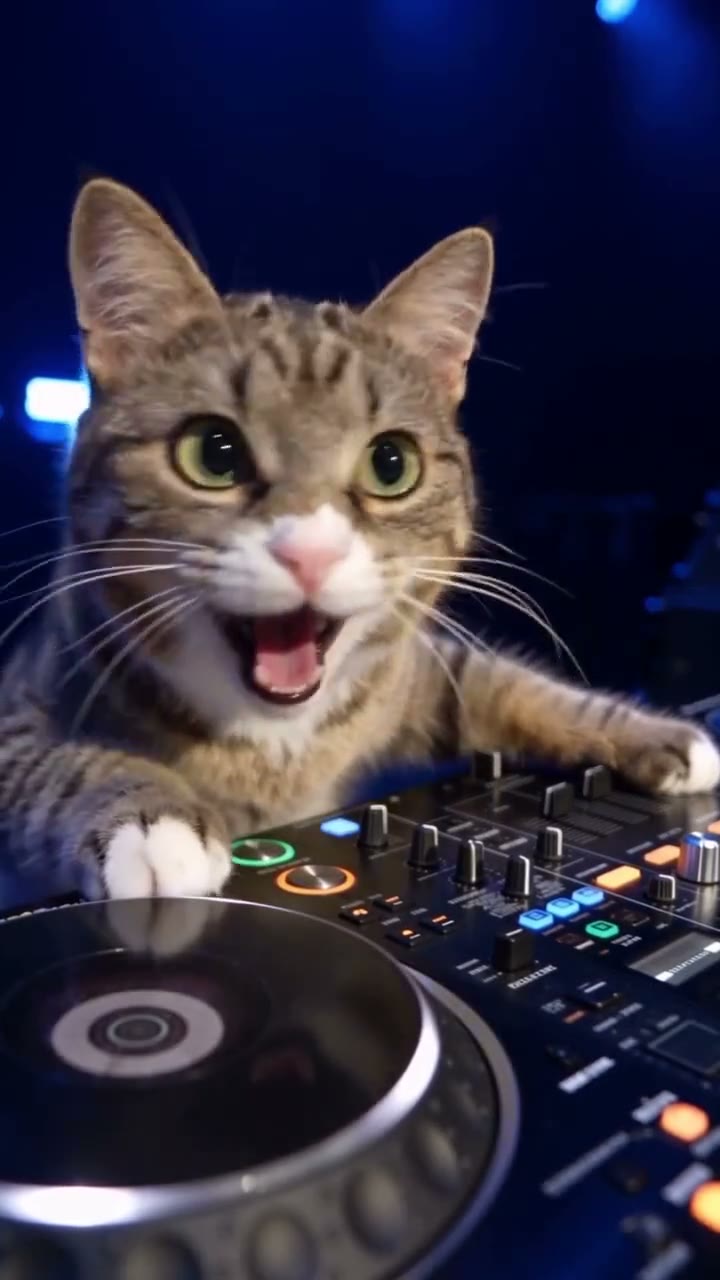
Your pet headlines a sold-out arena: paws on the decks, a huge grin in the close-up, thousands of phones in the air. One photo, any cat or dog.
- Cat or dog version
- One pet photo
- No prompt, no editing
- ~30 s · 9:16 · with the sound
- Failed renders refunded
- No subscription, credits never expire
- Secure checkout with Stripe
An AI pet version by another creator. Your video follows the same shots with your own pet.
Tap a circle to put a photo on that face.
Photos like this work best
- Clear, whole body
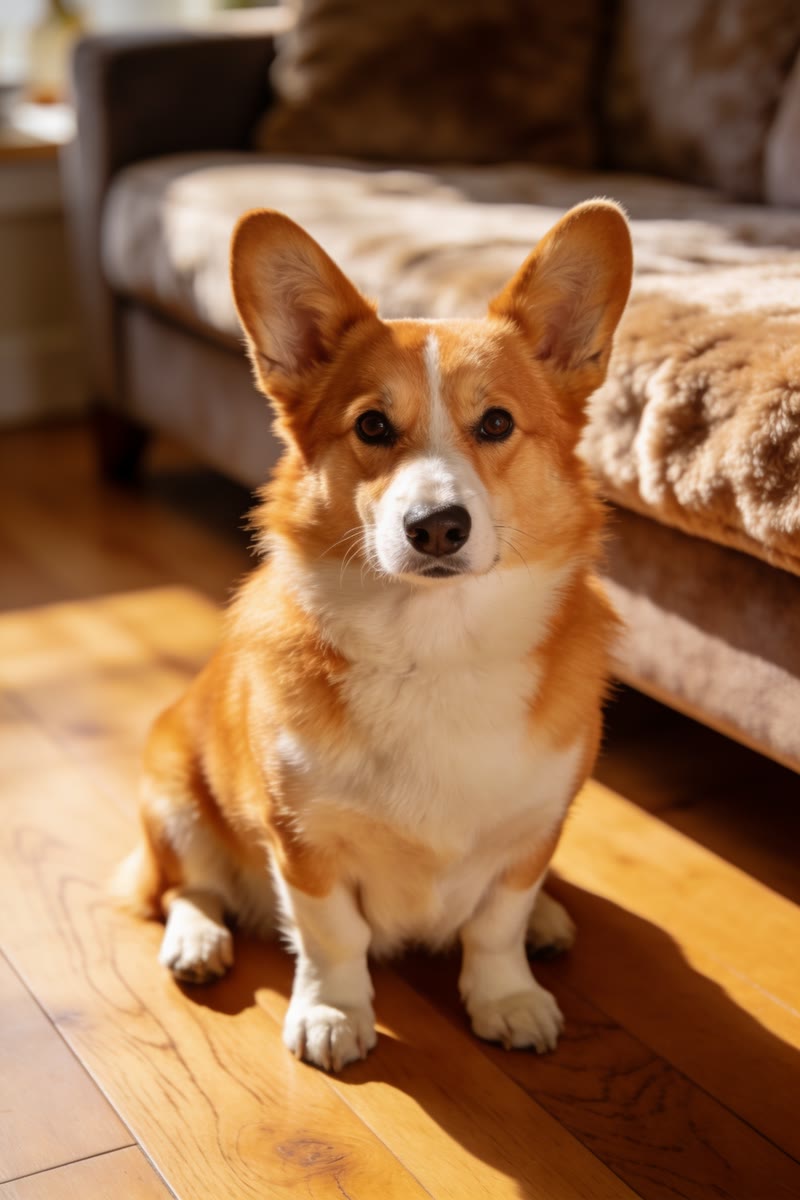
- Screenshot, stickers😎
- Head only
- Dark or blurry
Pets only: use a clear, front-facing photo of your cat, dog or other pet, one animal per photo.
Photo blurry or too small? Sharpen it free with Lumenfix →Only use everyday photos of yourself or friends who agreed to be featured. Photos of politicians, celebrities or other public figures, and film or MV stills, raise likeness-rights and legal issues and are rejected in review.
Only upload photos of people who agreed to be featured.
DJ Cat at a glance
DJ Cat AI puts one pet photo into the DJ cat video: your cat plays the decks in a sold-out arena, in close-ups, over-the-shoulder shots and the view from the crowd. About 30 seconds (Balanced: 15), vertical 9:16, with the sound.
- Photos
- 1 photo
- Who can be in it
- Pets only: cats, dogs and other animals
- Length
- About 30 seconds
- Format
- 9:16 MP4
- Quality & price
- Premium 480p 55 · 720p 120 · 1080p 205 credits; Balanced from 15
- Without an account
- One video from $7.99, paid at checkout
- Sound
- Original song included, synced
- Watermark
- None
- Render time
- Usually a few minutes
- If it fails
- Refunded automatically (credits or payment)
- Privacy
- Private; your photo is deleted 30 days after the video
Last updated
What is the DJ Cat video?
A cat in a dark arena, paws on a pair of decks. Cut to the crowd behind it, thousands of phone lights. Cut to its face, mouth open, loving every second. Then the view from the floor: one tiny animal under a spotlight, hands in the air all around it. It's the look of a stadium DJ's highlight reel, and that's the joke.
This template makes it with your pet. The video follows a depth map of an AI pet version of the clip, so every cut and move lands where it does in the original; the breed, face, ears and fur come from your photo. Cats and dogs each follow their own clip, so a cat moves like a cat, and the dog gets a pinstriped shirt and headphones. Premium renders the whole ~30 seconds; Balanced renders 15 seconds, starting on the close-up. It plays and downloads with the sound, or you can turn the song off and pick your own.
Cat or dog
Same arena, same cuts. Pick the one that matches your pet.
Cat
Your cat as it is, no outfit, working the decks and waving at the crowd.
Dog
Your dog in a pinstriped shirt with headphones round its neck. Also for rabbits and other pets.
What the template recreates
About 30 seconds across seven shots. Balanced renders 5.75–20.75 s, from the close-up to the view from the crowd.
- 0–5.6 s
At the decks
A side close-up on the turntables, then over your pet's shoulder to the packed arena.
- 5.6–10.1 s
The close-up
Face to the camera, paws on the decks, mouth wide open with joy. The shot people replay.
- 10.1–13.8 s
Back to work
From behind, your pet turns to the decks with the crowd in front of it.
- 13.8–22.6 s
From the crowd
One small animal under a spotlight, raised hands in silhouette in front of the stage.
- 22.6–30 s
The whole arena
Your pet's back to the camera, dancing and waving while lights and confetti fill the arena.
Where the video came from
It started with a real DJ's arena highlight reel, posted on Instagram in July 2026 and viewed more than 65 million times. Its cuts are so recognisable that AI creators began remaking them shot for shot with animals in the DJ's place, using video tools that swap the subject and keep the motion.
By autumn 2026 cat and dog versions were spreading across Instagram and TikTok alongside tags like #djcat and #catdj. Pet DJ clips work because the footage takes itself completely seriously: same lights, same crowd, same swagger, and the headliner is a cat.
Make yours in three steps
- 01
Pick cat or dog, add a photo
One animal, face to the camera, in good light. Your pet can be anywhere in the photo: the arena and the decks are generated.
- 02
Pick a version
Premium renders the whole ~30-second clip: 55 credits at 480p, 120 at 720p and 205 at 1080p. Balanced renders 15 seconds, from 15 credits. Photos are reviewed first and failed renders are refunded automatically.
- 03
Download, caption, post
Play or download it with the sound, or download it silent. Tag it #djcat or #catdj on TikTok or Instagram, then post.
Pet photos that work best
Face clearly visible
Eyes, nose and ears sharp and toward the camera: the close-up fills the frame, so the face has to hold up.
Good light
Daylight or a bright room. The arena is dark, so a dim photo makes dark fur disappear into it.
Show the whole pet if you can
Your pet stands on its back legs, so a full-body photo gets its fur, markings and shape right. A clear head shot still works.
Add your own caption
The video comes without text. Your pet's DJ name is a good start.
Got a dog? Pick the dog version
It follows a dog's body and comes with the shirt and headphones. Rabbits and other pets use it too.
One animal per photo
Two pets in one photo, or a person holding the pet, make it unclear who should headline.
Related trends
More of the same, and the newest trends.
 New
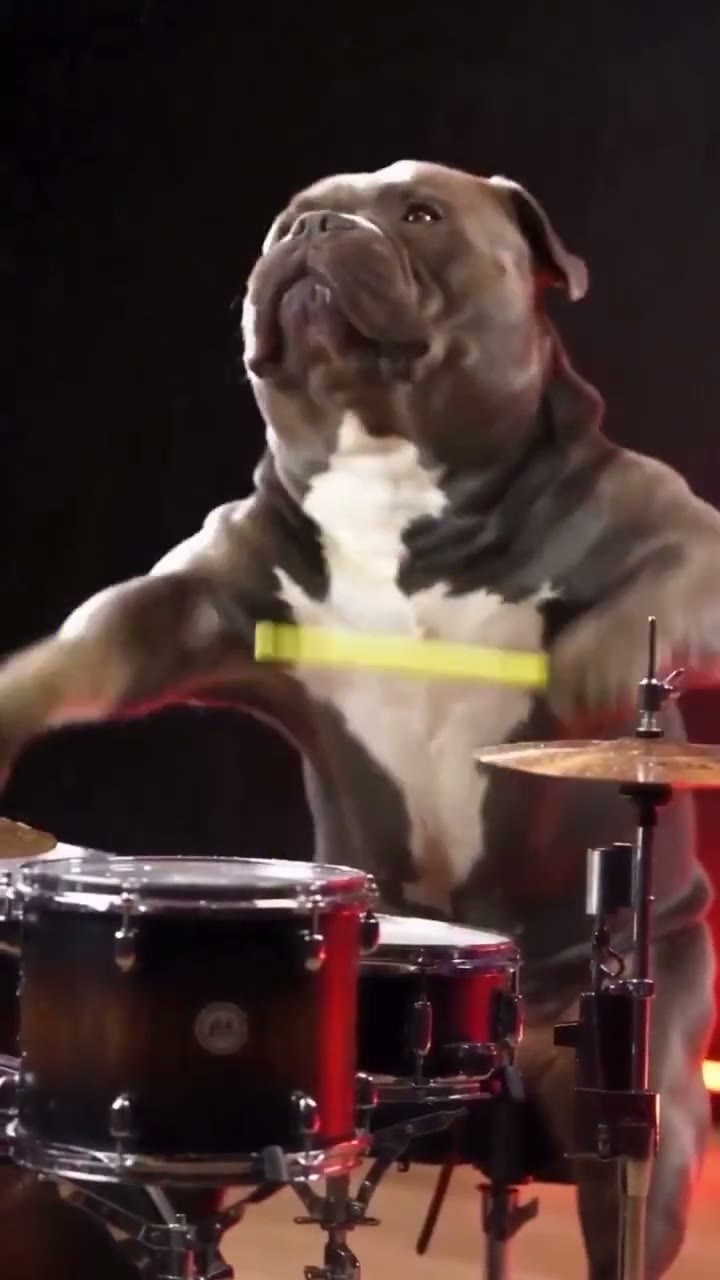
Dog Drummer
Your dog pours water on the drum, tosses the bottle and plays through the splash.
1 photo · 14s · from 15 cr
 New
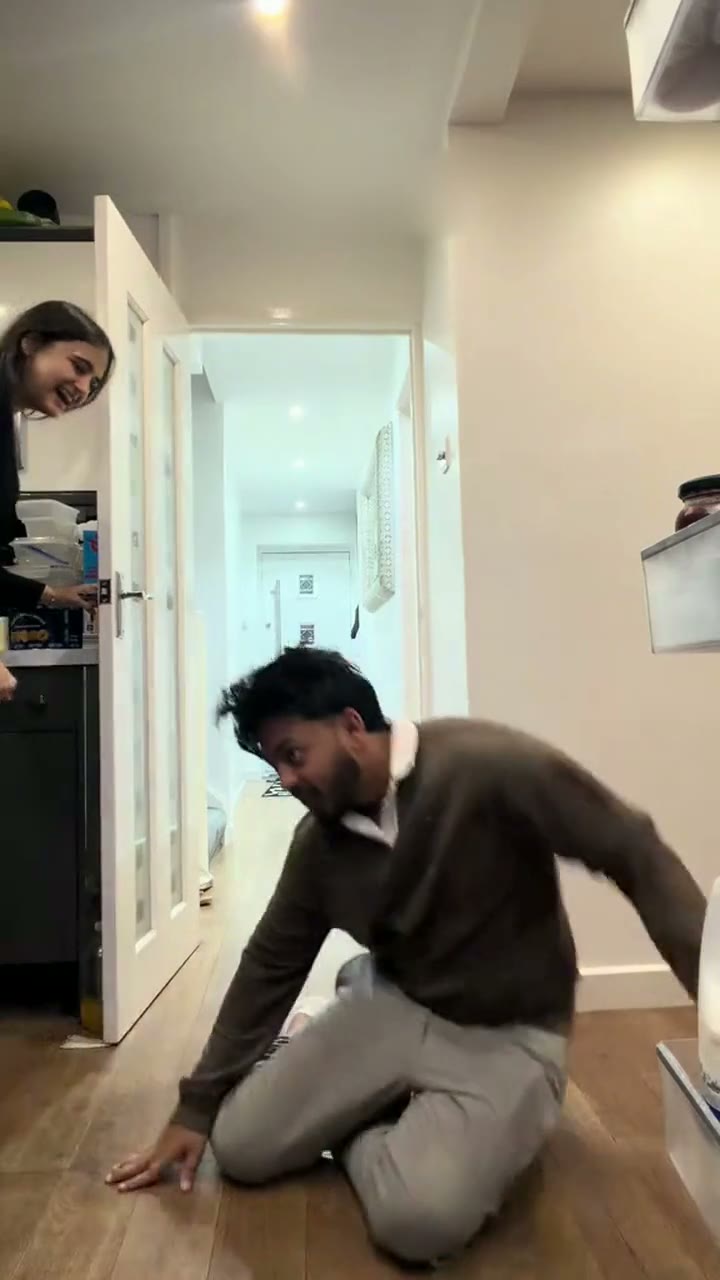
Closing Door Prank
The viral door prank from a photo: a full sprint, a door at the last second, a heap on the floor.
1–2 photos · 12s · from 10 cr
 New
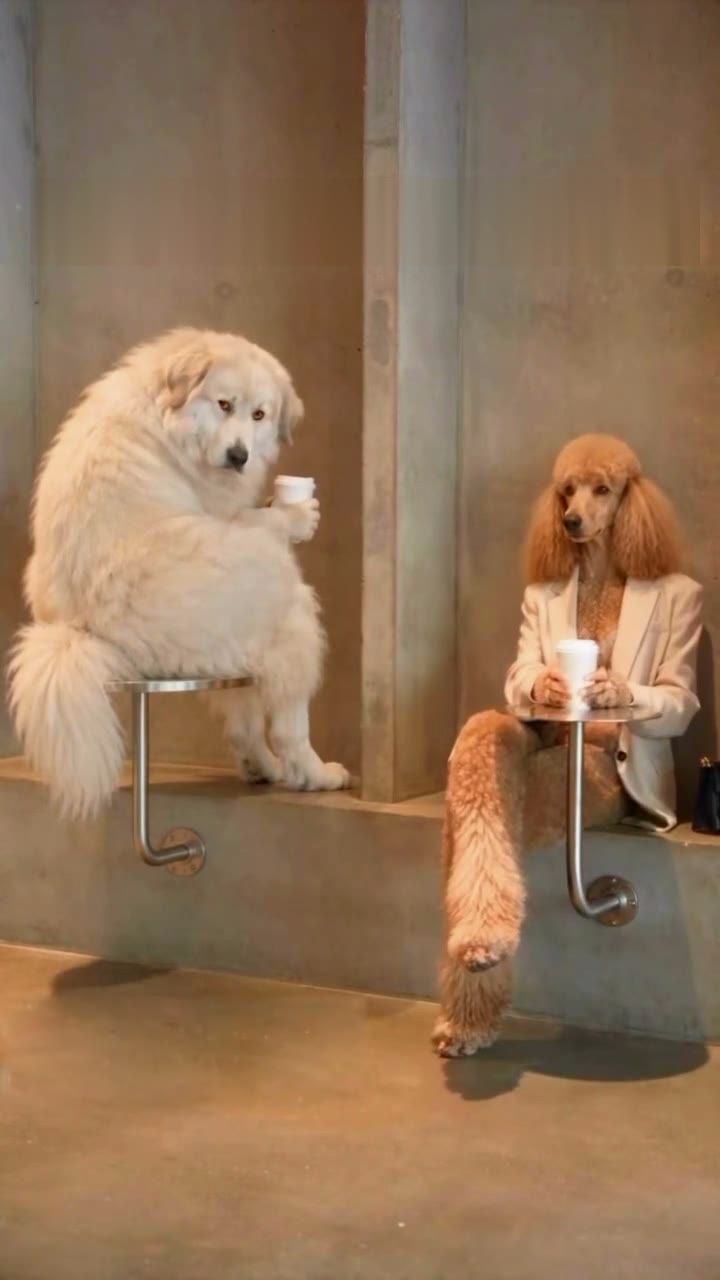
First Time in a Fancy Cafe
"POV: your first time in a fancy cafe": your dog perches on a tiny wall table until someone uses it as a table.
1–2 photos · 21s · from 15 cr
 Hot
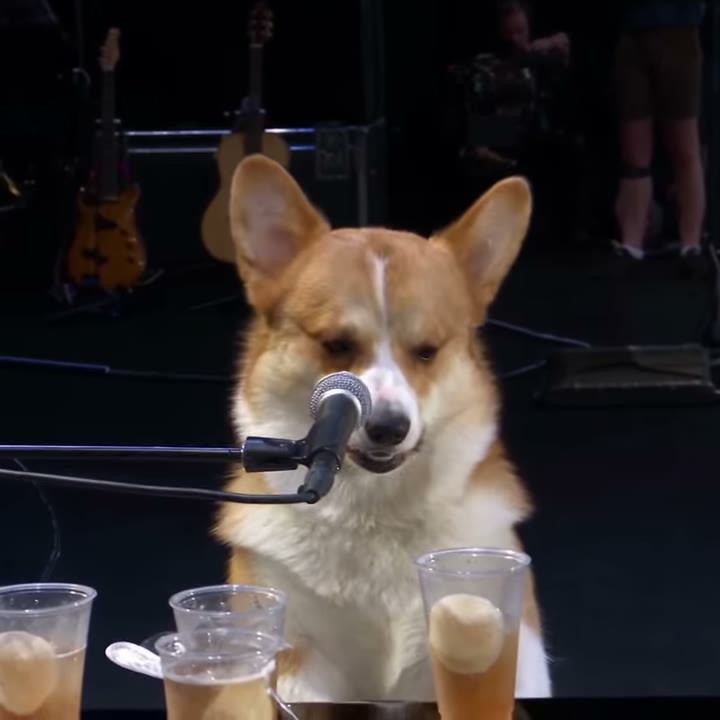
Dog Bohemian Rhapsody
"Corgi the Queen": your pet sings Bohemian Rhapsody eyes closed at a grand piano on a stadium stage.
1 photo · 28s · from 15 cr
 New
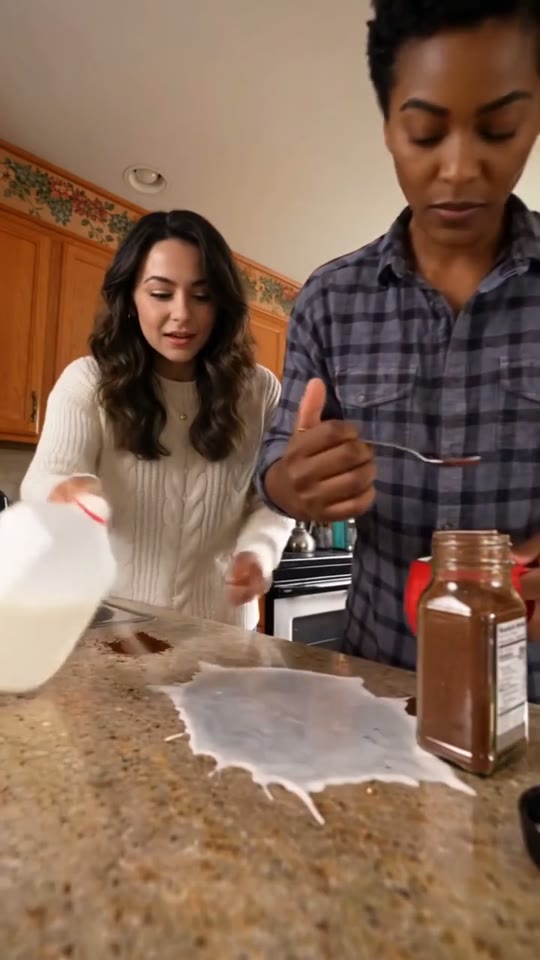
Coffee Fail
Coffee grounds straight onto the counter, a jug of milk across it, a deadpan sip — people, dogs or cats.
1–2 photos · 15s · from 15 cr
 New
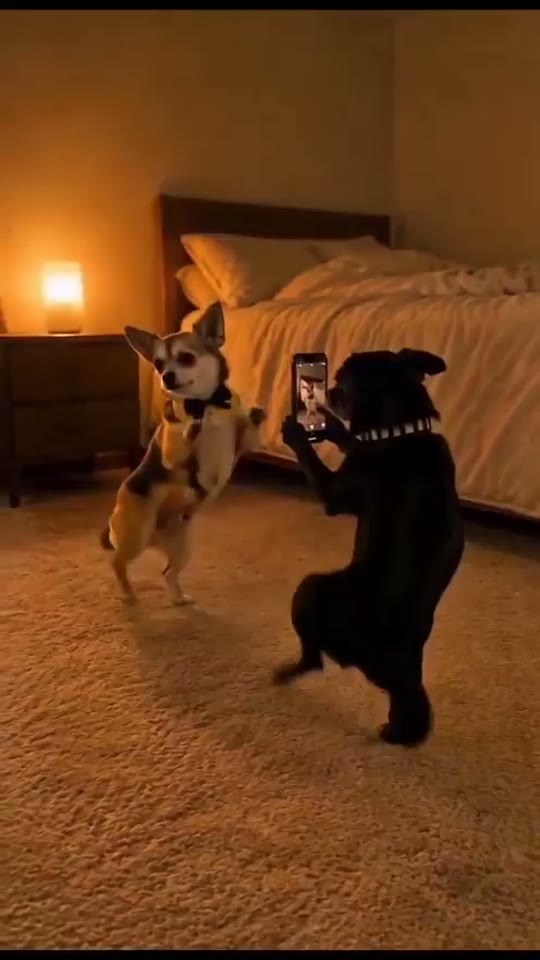
Dog Couple Dance
"With my husband before we sleep": one pet dances on its hind legs, the other films it on a phone.
1–2 photos · 15s · from 15 cr
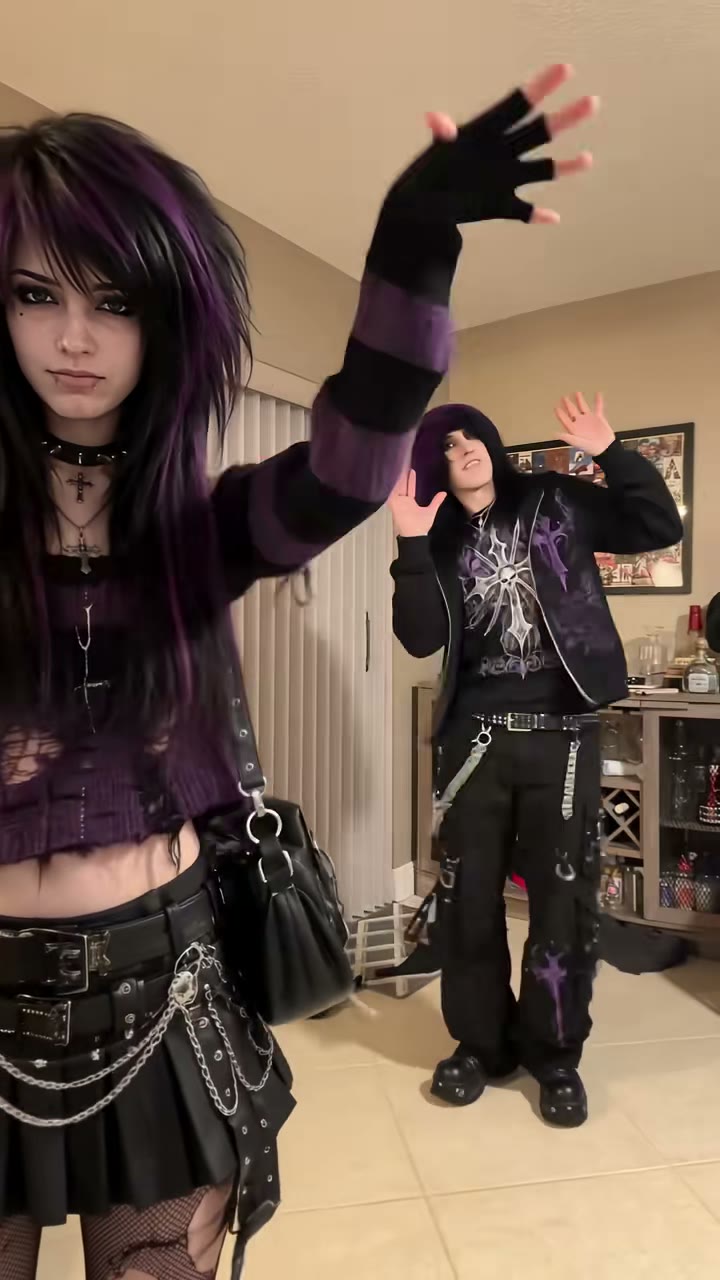
Hop Hop Hop
Point, hop three times, get squashed under a flat palm, then swap places: the viral duo gag.
1–2 photos · 8s · from 10 cr
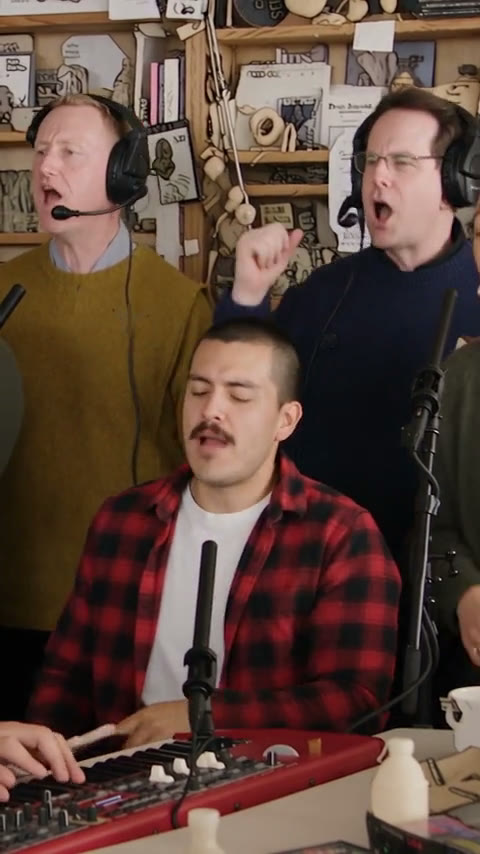
Outstanding Tiny Desk
Sing lead at an office-desk concert, crack up on camera and hand the solo to the sax.
1–3 photos · 19s · from 15 cr
FAQ
A short AI video of a cat playing the decks at a packed arena, cut like a real stadium DJ's highlight reel: close-ups at the turntables, the view over its shoulder, and the view from the crowd. This template makes it with your own cat or dog.
Open this page, pick the cat or dog version, add one pet photo, pick Premium or Balanced and generate. No filming, prompt or editing. The video takes a few minutes and comes with the sound.
AI creators remade a real DJ's viral arena reel with animals. The cat and dog clips on this page are AI videos by other creators, and our template follows their moves and timing, not their animals. We never use the real DJ's footage.
The cats and dogs in these clips are AI-generated. Your video is AI too, built from your photo, so your pet doesn't need to do anything.
Yes. Your video plays and downloads with the clip's music. Prefer your own? Turn "Include the song" off or use "Download without music", then pick the sound in TikTok or Instagram when you post.
Cats: the cat version. Dogs and other pets: the dog version, which adds a pinstriped shirt and headphones. Either way, breed, face, ears, fur and markings come from your photo.
One animal, the face sharp and toward the camera, in good light, ideally showing the whole body. It doesn't need to be anywhere special: the arena, the crowd and the decks are generated.
Not on this page: this template takes pet photos only.
About 30 seconds with Premium, as a vertical 9:16 MP4; Balanced renders 15 seconds, from the close-up to the view from the crowd. Both work for TikTok, Reels and Shorts.
Premium renders 480p for 55 credits, 720p for 120 and 1080p for 205; Balanced starts at 15. No watermark, and failed renders and rejected photos are refunded automatically. No account needed: you can also buy a single video at checkout from $7.99.
Not free, but there's no subscription either. Without an account, one video costs from $7.99 at checkout. With an account, a video starts at 15 credits (credit packs from $9.90; credits never expire). No watermark, and failed renders are refunded automatically.
No. MakeTrend AI is an independent tool and is not affiliated with or endorsed by the DJ, the creators of the AI pet versions, the music's rights holders or any equipment maker.
No. Your photos and videos are private: we never publish them, show them to other users or use them in our examples or marketing. Only you can see them in your history.
Tonight's headliner has four paws.
One pet photo, a few minutes, and a sold-out arena.