Da Da Da Dance AI: do the goofy dance from one photo
Knees bouncing, shoulders shaking, head thrown back laughing: the goofy "da da da" dance that's been going round Douyin, with you doing it. One photo is all it takes, with your own face and outfit.
- 1 photo
- No prompt, no editing
- 30 s · 9:16 · with the music
- Your own face and outfit
- Failed renders refunded
- No subscription required, pack credits never expire
- Secure checkout with Stripe
The original clip, with its music. Your video follows the same moves and camera with you dancing instead.
Photos like this work best
- Clear, waist up
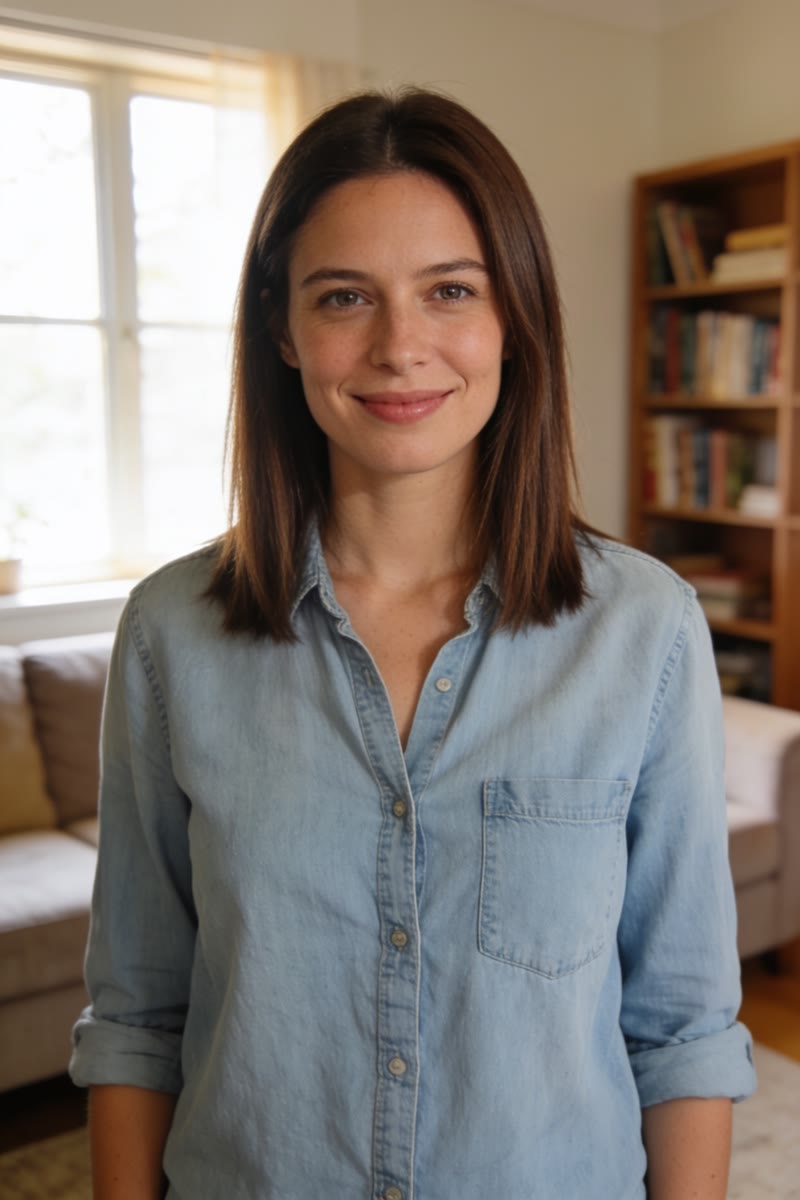
- Screenshot, stickers😎
- Head only
- Dark or blurry
Only use everyday photos of yourself or friends who agreed to be featured. Photos of politicians, celebrities or other public figures, and film or MV stills, raise likeness-rights and legal issues and are rejected in review.
Only upload photos of people who agreed to be featured.
Da Da Da Dance at a glance
Da Da Da Dance AI puts one photo into the goofy "da da da" dance going round Douyin: after a push-in, you bounce your knees, shake your shoulders, throw your head back laughing, point off to the side and peek at the camera shyly, grinning the whole time. 30 seconds on Premium, the first 15 seconds on Balanced, 9:16, with the music. Your face, hair and clothes come from your photo.
- Photos
- 1 photo
- Who can be in it
- People only, no pet photos
- Length
- About 30 seconds
- Format
- 9:16 MP4
- Quality & price
- Premium 480p 55 · 720p 120 · 1080p 205 credits; Balanced from 15
- Without an account
- One video from $7.99, paid at checkout
- Sound
- Original song included, synced
- Watermark
- None
- Render time
- Usually a few minutes
- If it fails
- Refunded automatically (credits or payment)
- Privacy
- Private; your photo is deleted 30 days after the video
Last updated
What is the Da Da Da dance?
It's a goofy solo dance clip from Douyin, set to a bouncy "da da da" beat: a dancer walks up from a white door as the camera pushes in, then bounces their knees, shakes their shoulders, throws their head back laughing, points off to the side, peeks at the camera shyly and finishes with a big lunge, grinning almost the whole time.
This template puts you in it. You upload one photo, and the video follows a depth map of the original, so every bounce, laugh and point lands where it does in the clip, while your face, hair and clothes come from your photo. The original dancer's clown face paint and vest are not copied onto you. Premium renders the first 30 seconds; Balanced renders the first 15. It plays and downloads with the music.
What the template recreates
30 seconds, one take, a push-in and then a fixed camera.
- 0–1.5 s
The walk-in
The camera pushes in as you walk up from the door, hunched and swaying.
- 1.5–7 s
Knees and laughs
You stand tall, bounce your knees, throw your head back laughing and hold back a giggle with a hand on your chin.
- 7–15 s
Shuffle and point
Shoulders up, a little shuffle, a side-eye, then a point off to the side and a spin to look back.
- 15–20 s
The shy peek
You bend over, hand on your chest, and peek up at the camera before a wide-eyed stare.
- 20–30 s
The finale
One more head-back laugh, a crouch with your hands together and a big lunge to the side.
Where the dance came from
The clip comes from Douyin, where it's shared as a "magic dance" (魔性舞蹈): a dancer in front of a plain white door, doing a bouncy, laugh-out-loud routine to a "da da da" beat. Its charm is that it looks easy and silly at the same time, which is why people keep reposting it and trying it.
People who see it ask the same thing: can I make that with my face without filming it? This template does it from a single photo, with the same moves, timing and camera, and the music.
Make yours in three steps
- 01
Add a photo of yourself
One person, face to the camera, in good light. A full-body or waist-up photo gets your build and outfit right.
- 02
Pick a model and quality
Premium renders the whole 30 seconds; Balanced the first 15. 480p is from 15 credits, 720p 120 and 1080p 205. Photos are reviewed first and failed renders are refunded automatically.
- 03
Download, caption, post
Play or download it with the music, or download it silent. Post it with #dadadadance #dancetrend.
Photos that work best
Face clearly visible
Eyes and smile sharp and toward the camera: you laugh a lot in this one.
Full body if you can
You're on camera head to toe for most of the video, so a full-body photo gets your build and shoes right.
Good light
Daylight or a bright room keeps your skin tone and clothes true.
Wear what you want to dance in
Your video keeps the outfit from your photo. The original dancer's face paint and vest are never added.
Related trends
More of the same, and the newest trends.
 New
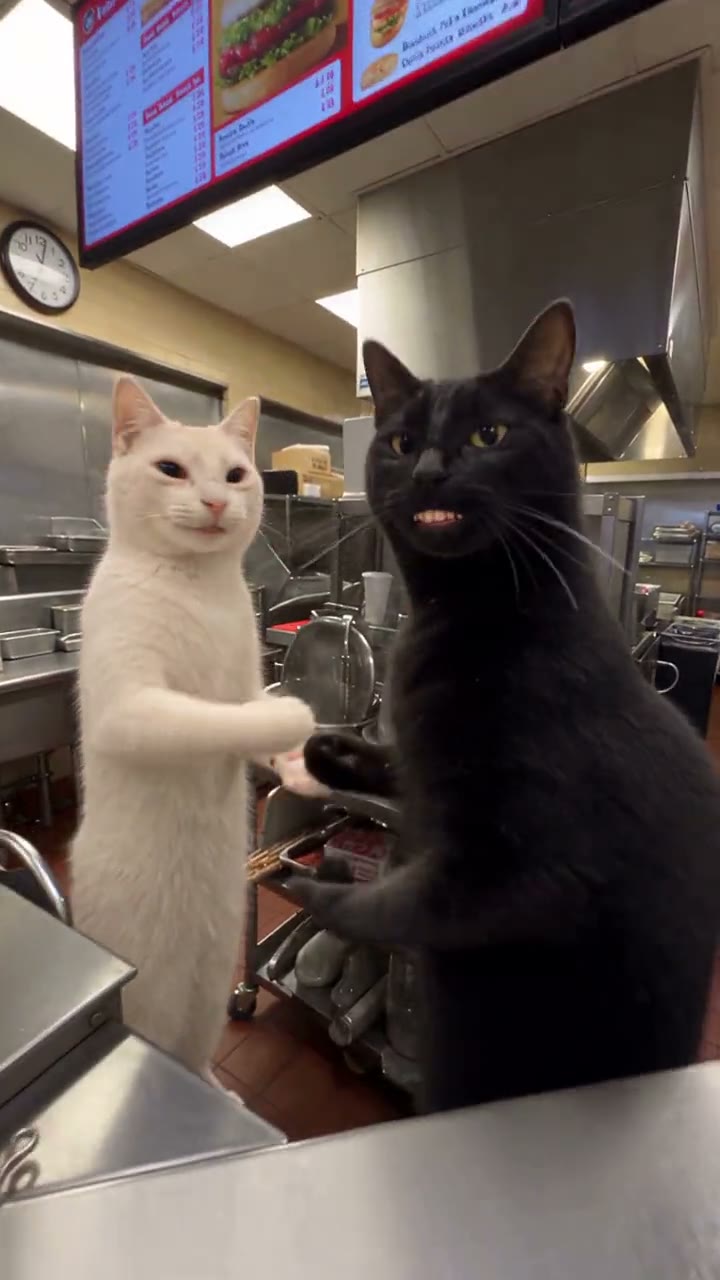
Waiting for Fries Cat
Forgot the fries: your pet tells its coworker to fry them and stalls the customer with a smooth counter dance.
1–2 photos · 23s · from 15 cr
 New
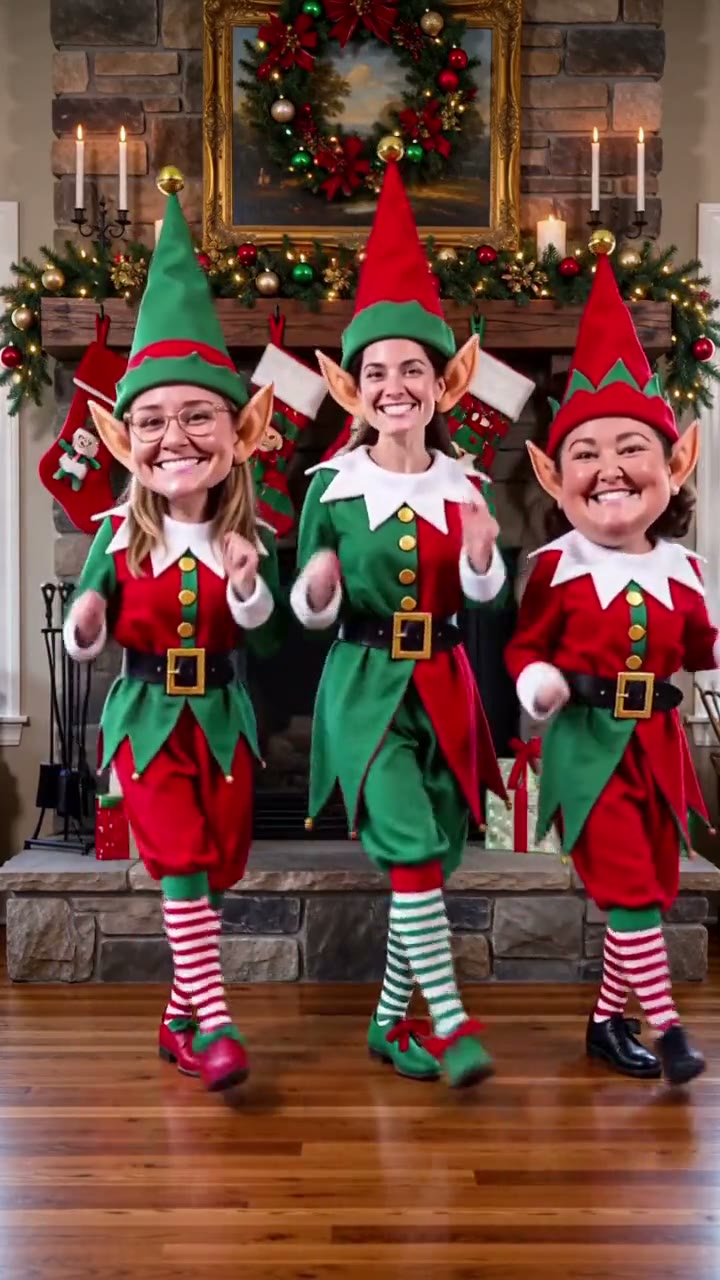
Christmas Elf Dance
Turn 1–3 photos into dancing Christmas elves in pointy hats and striped tights by a glowing fireplace.
1–3 photos · 12s · from 15 cr
 New
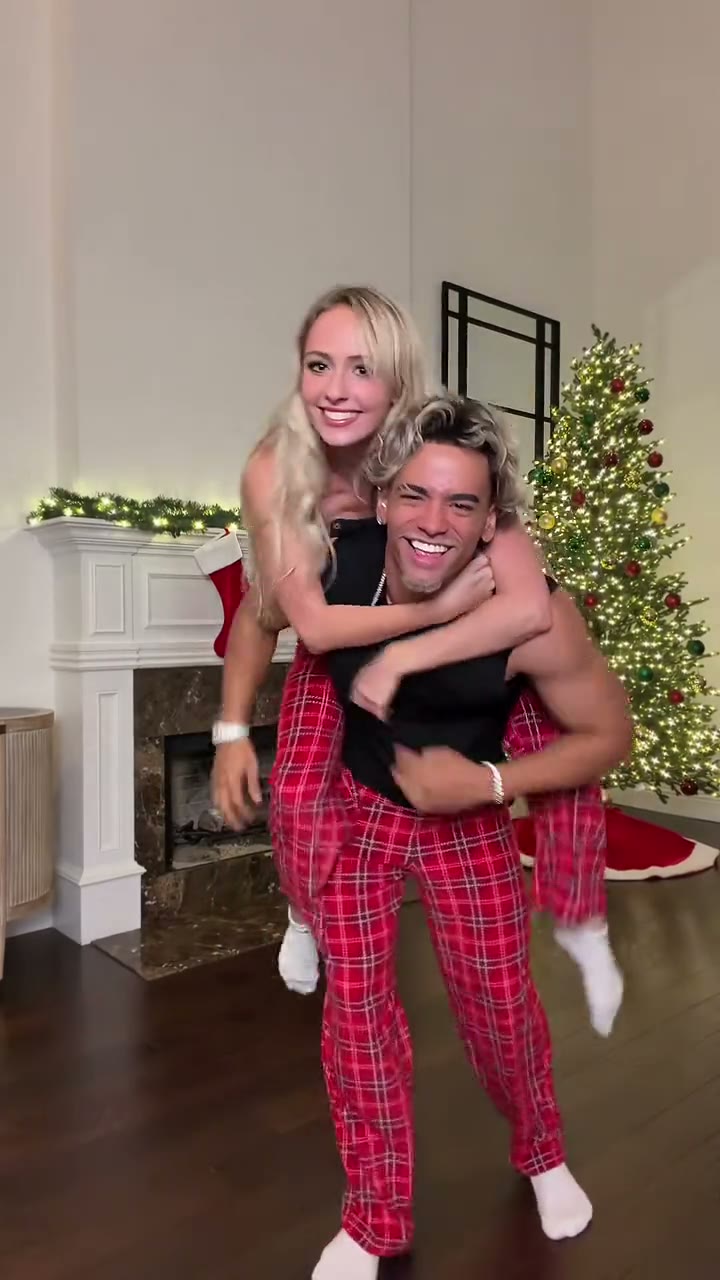
Snowman Dance
Red plaid pajamas by the Christmas tree: under-arm spin, side kick and a piggyback ride finale.
1–2 photos · 12s · from 15 cr
 New
Deck the Halls Dance
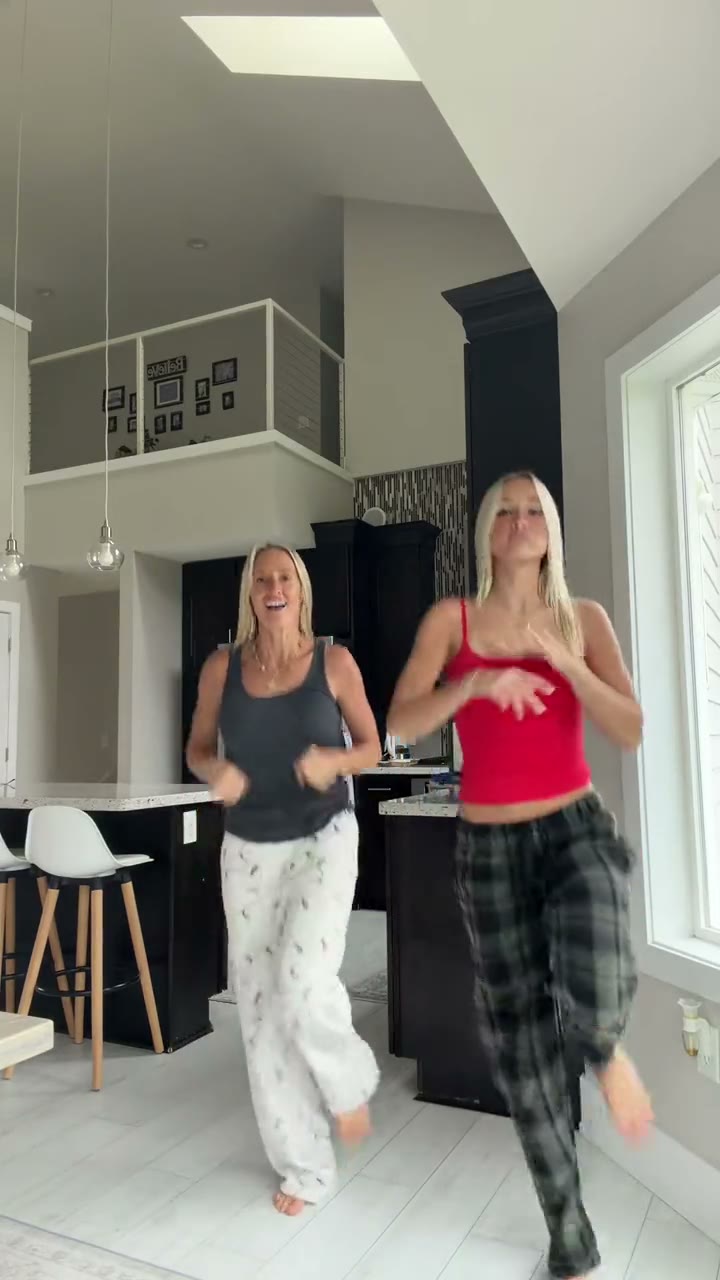
The Deck the Halls pajama duo dance: walk-in entrance, knee lifts, synced spin and fist-pump finale.
1–2 photos · 14s · from 15 cr
 New
Bad to Good Robot Dance
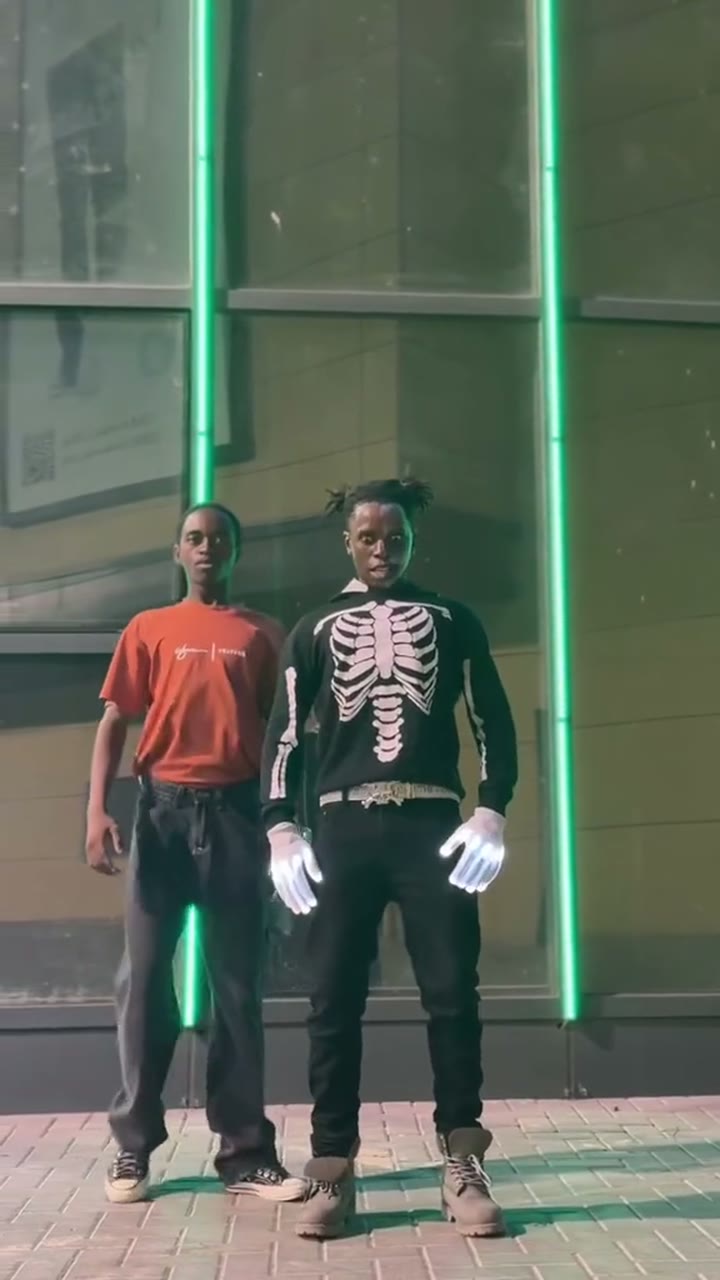
One hides, one steps out: you and a friend do the viral duo robot dance.
1–2 photos · 30s · from 15 cr
 New
AI Rat Dance
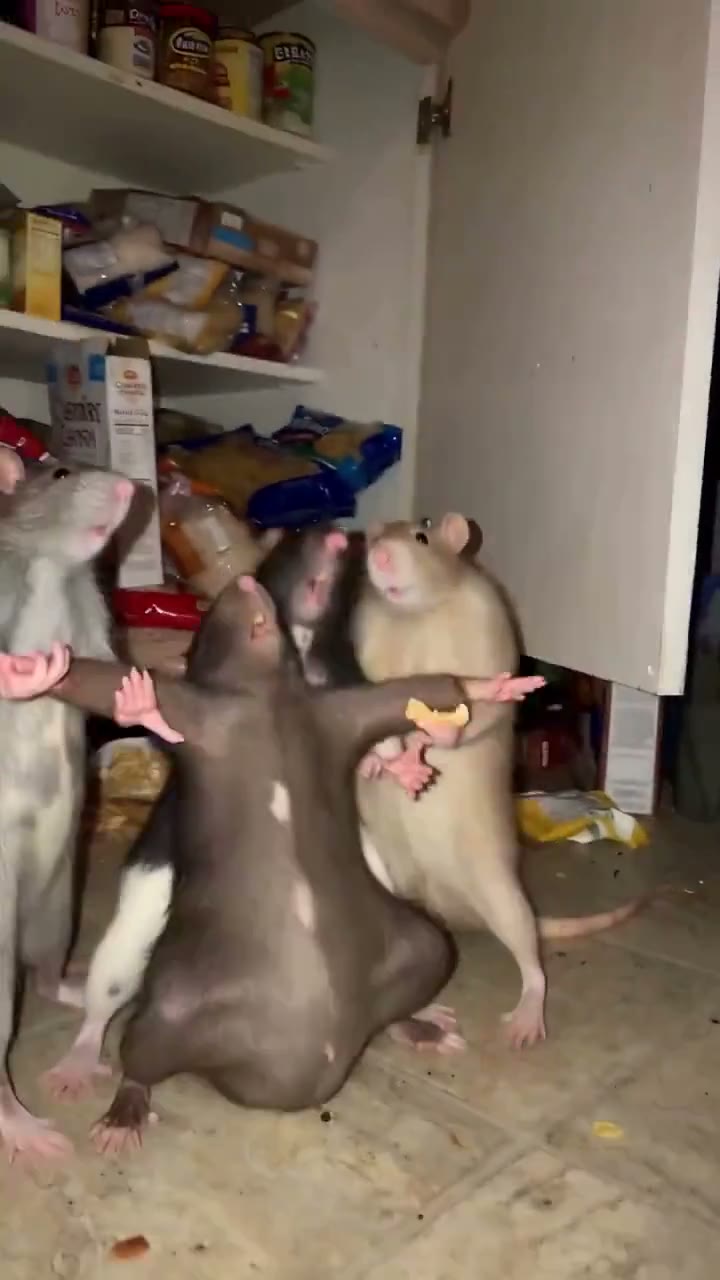
The pantry's unlocked: your pet dances in the middle of a midnight rat party.
1–2 photos · 11s · from 25 cr
 New
Singing Dog
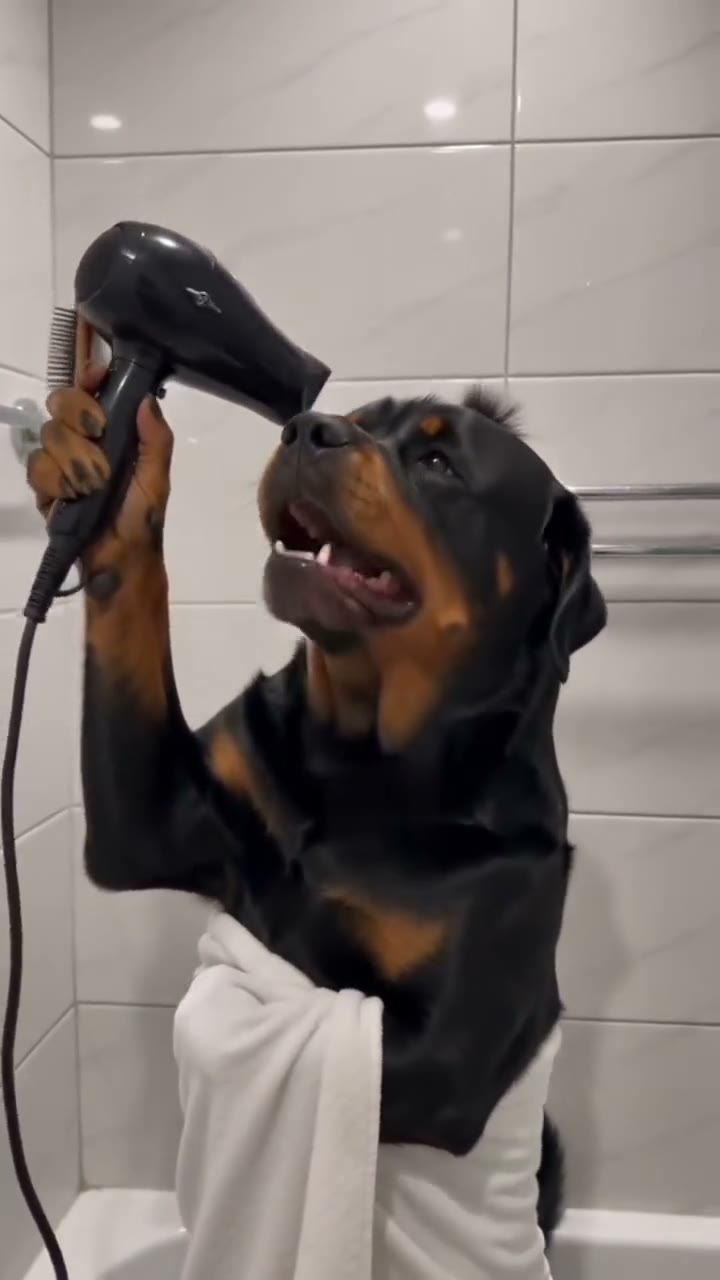
Fresh from the bath in a towel, your pet blow-dries its own head and sings opera.
1 photo · 10s · from 15 cr
Christmas Dance
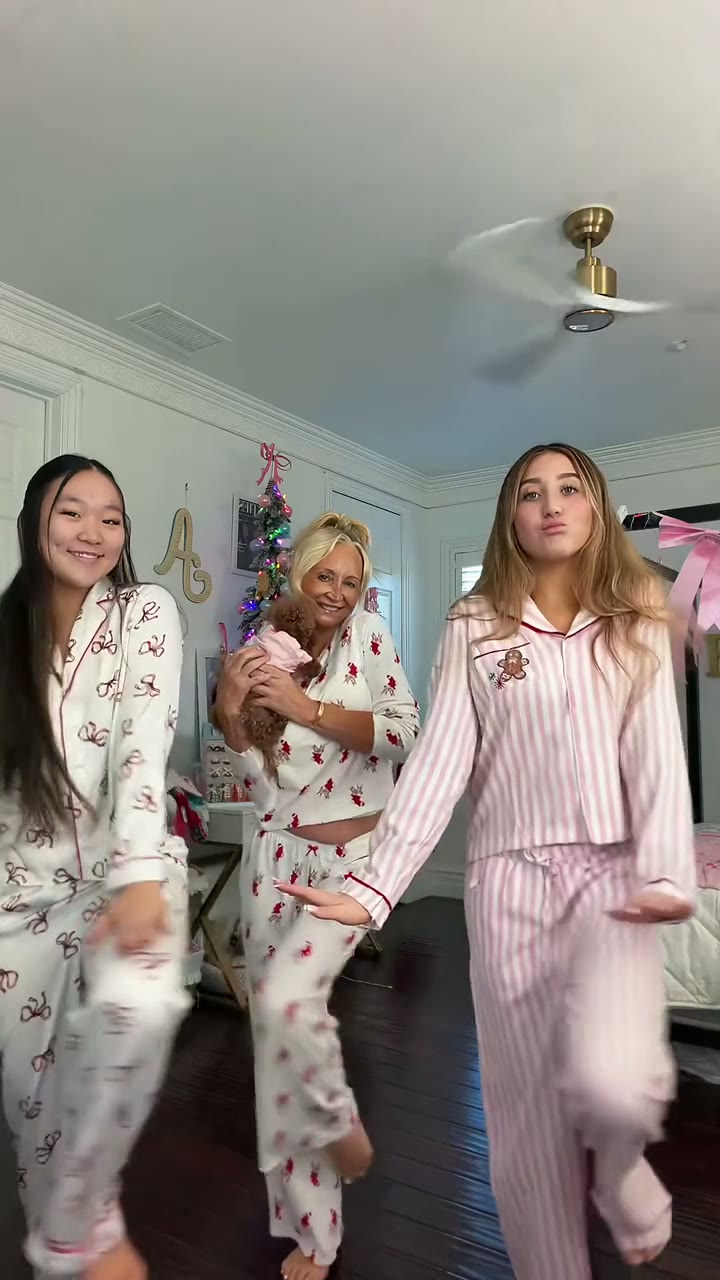
The Christmas pajama dance: sway, shimmy and show off the puppy, as a trio.
1–3 photos · 14s · from 15 cr
FAQ
A goofy solo dance from Douyin set to a "da da da" beat: knee bounces, shoulder shakes, head-back laughs, a point to the side, a shy peek and a big lunge. This template makes it with your own face from one photo.
Open this page, add one photo of yourself, pick a model and quality and generate. No filming, prompt or editing; it takes a few minutes and comes with the music.
MakeTrend AI's Da Da Da Dance template, on this page, makes it in your browser: no app to install.
A general AI video tool invents the moves and timing from a prompt. This template starts from the original clip's motion and keeps your face and outfit from your photo, so it looks like the trend, with you in it.
One person, face sharp and toward the camera, in good light, ideally full body. The background doesn't matter much: the room comes from your photo when it can, or a plain room with a white door.
No. Your face, hair and clothes come from your photo; the original dancer's face paint and vest are never added.
Yes. Your video plays and downloads with the original clip's music. Prefer something else? Turn "Include the song" off or use "Download without music".
30 seconds on Premium, the first 15 seconds on Balanced, as a vertical 9:16 MP4. It works for TikTok, Reels and Shorts.
From 15 credits; on Premium, 480p is 55 credits, 720p 120 and 1080p 205. No watermark. No account? Buy a single video from $7.99.
New accounts get free credits to try a template. After that, credits come in packs, or buy a single video without an account.
It's only used to make your video. Photos are deleted after the render; you can delete your videos any time.
Your turn to do the Da Da Da
One photo, a few minutes, and you're the one bouncing and laughing.